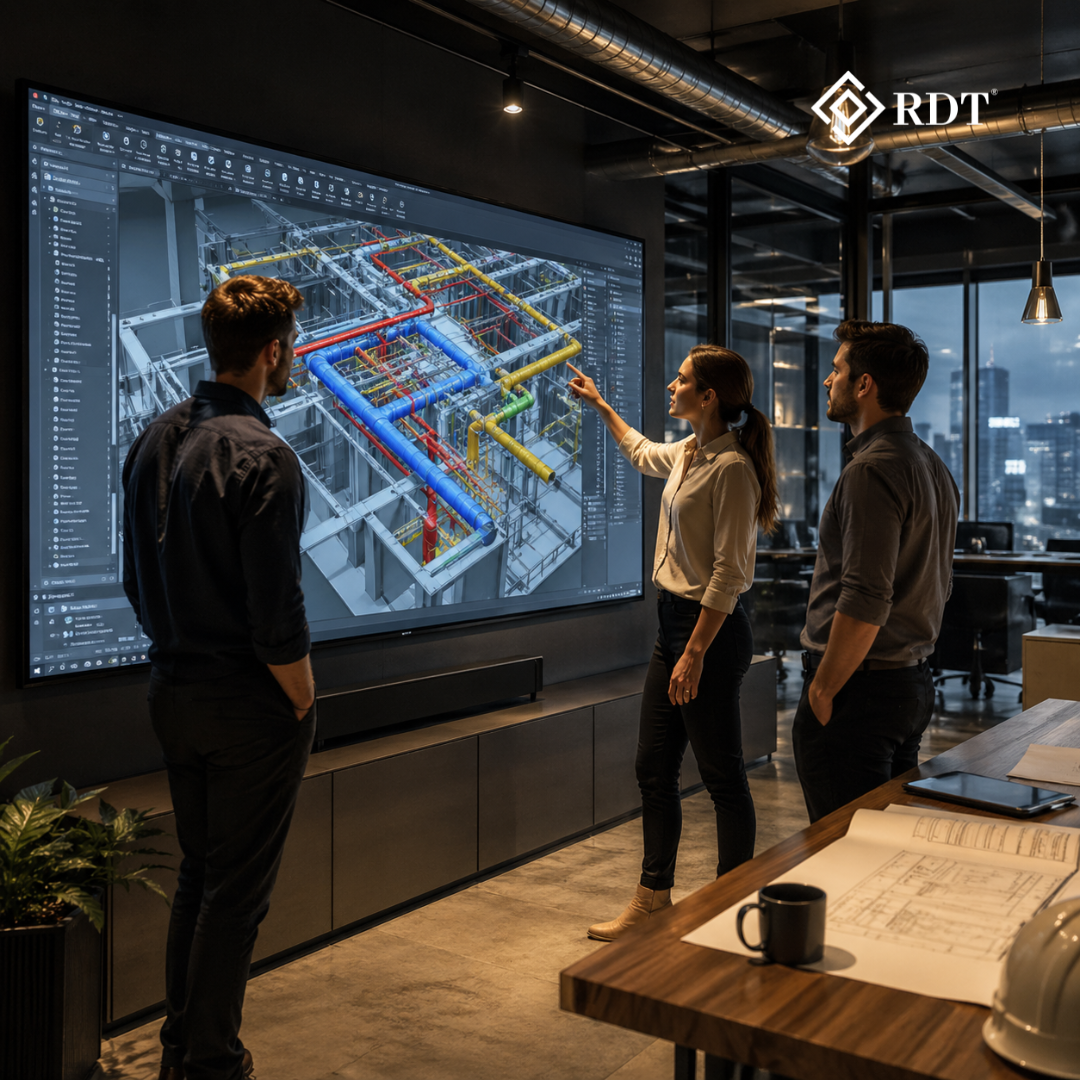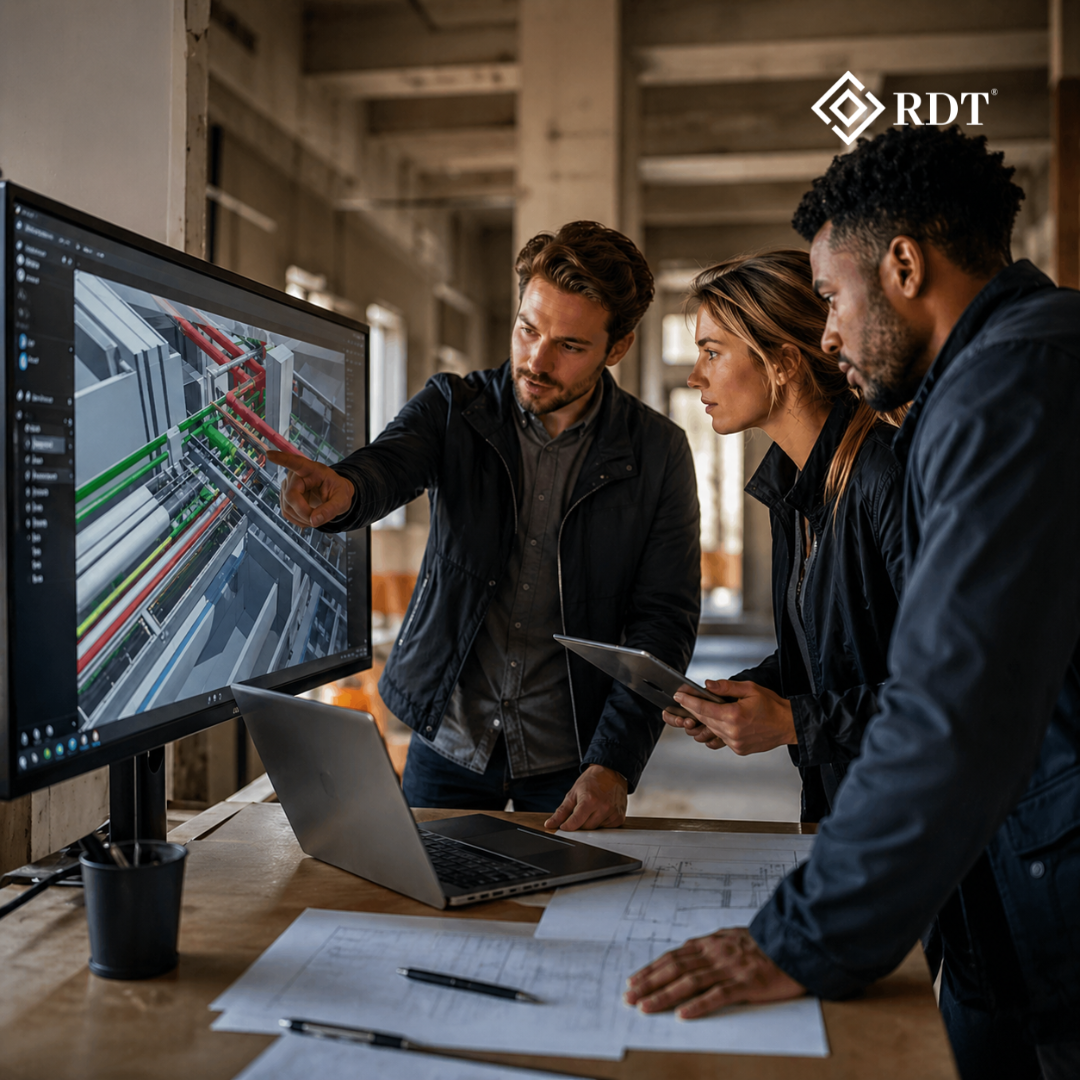

In an industry that often feels like a dark maze of delays, clashes, overruns and unpredictable jobsite chaos, VIRTUAL DESIGN paired with BIM is the only glowing exit sign that leads teams out of uncertainty. But before that glow pays off, every contractor, architect, engineer and construction owner asks the same question: “How much does it actually cost to implement BIM?” The truth is simple—BIM is not just software; it’s a full ecosystem. And like any ecosystem, it comes with initial costs that need strategic planning. These expenses fall into 3 significant buckets: software, hardware, & training. Understanding these categories clearly—and handling them smartly—is what separates companies who embrace BIM efficiently from those who burn cash without value.
Let’s break each cost down and examine how organizations can control expenses while ensuring BIM doesn’t become a financial burden but a high-return investment.
1. SOFTWARE COSTS: THE CORE OF BIM ADOPTION
Software is the primary and generally most unavoidable BIM cost. Various BIM tools serve various disciplines: architectural modeling, 3D coordination, structural methods, mechanical & electrical detailing, quantity extraction, simulation, & documentation. The most utilized solutions contain Revit, Navisworks, ArchiCAD, Tekla Structures, Vectorworks, & Bentley systems.
Each comes with its personal subscription model—most have shifted from constant licenses to yearly or monthly cloud subscriptions. A typical BIM software suite for a medium-sized company may cost anywhere between a few thousand to tens of thousands per year depending on how many seats they require.
But here’s the key: software is not one-size-fits-all. Not every team member needs a full modelling license. Designers may require advanced tools, but project managers, estimators, site engineers, supervisors and owners often benefit from viewer tools, coordination platforms, and clash reviewing software. A company that purchases 50 full licenses when only 10 people actually model will waste money without gaining productivity. Smart allocation ensures cost efficiency.
Several companies even utilize hybrid stacks: a few high-end modelling tools mixed with lightweight, cost-efficient viewers. Cloud-based platforms also permit pay-per-use subscription, assisting smaller corporations control budgets. The smartest strategy: start with essential licenses, monitor usage, and scale intentionally—not emotionally.
2. HARDWARE COSTS: POWERING THE BIM MACHINE
BIM workflows are powerful, but power-hungry. Large models, heavy geometry, and multi-disciplinary coordination demand high-performance systems. The baseline requirements typically include:
- A strong multi-core processor
- A dedicated high-memory GPU
- Minimum 16–32 GB RAM
- High-resolution dual monitors
- High-speed SSD storage
- Optional VR or AR headsets for captivating performances
- Strong cloud or local servers for shared files
These upgrades can initially feel expensive, especially for companies still using outdated machines. But failing to upgrade causes hidden costs—slow rendering, laggy models, frequent crashes, and hours of wasted productivity.
However, managing hardware costs is easier than most assume. Many companies avoid full replacement and instead upgrade critical components—RAM, SSD, GPU or monitors—because BIM performance depends heavily on these parts. Some move workflows to cloud-based model hosting, reducing dependence on local hardware. Even VR investments can be postponed until BIM maturity increases.
Hardware must match the scale of the work, not the ambition of the leadership. A five-person startup doesn’t need a high-end server farm on Day 1. A large contractor managing megaprojects cannot survive on basic laptops. The formula is basic: purchase what matches your workflow today but guarantee the path for future upgrades is open.
3. Training Costs: The Most Overlooked Yet Most Critical
BIM training is where numerous corporations fail because they deal with it like a one-time event rather than an ongoing procedure. BIM is more than learning software buttons; it’s understanding workflows, standards, collaboration structures, clash detection rules, documentation processes, and coordination etiquette.
Training costs can include:
- Instructor-led sessions
- Online courses
- Workshops
- Certification programs
- Onboarding of BIM managers or coordinators
- Consulting from external BIM experts
Companies who skip this stage burn money later. Untrained teams misuse software, cause coordination mistakes, break models, delay projects, and ultimately blame the technology instead of understanding how to operate it.
A highly trained team brings quicker workflows, cleaner models, lesser reworks, smoother collaboration and constant quality. Training should be phased—not shocking. Start with essential users, train power-users next, and gradually upskill the entire staff.
The smartest companies invest the most in training, not tools. Anyone can buy BIM software; not everyone can use it well. That’s why training is the most powerful yet most underestimated BIM cost.
HOW TO MANAGE AND REDUCE BIM IMPLEMENTATION COSTS SMARTLY
The real query is not “How much does BIM cost?” but “How can we embrace BIM without breaching the budget?” Here are useful tactics to handle and minimize expenses:
1. Start small, scale gradually
Begin with a pilot project—not all projects at once. This avoids overwhelming staff and allows companies to refine workflows slowly. Once the pilot stabilizes, expand BIM to more departments. Gradual scaling saves money and reduces resistance.
2. Choose the right software, not the popular software
A high-end tool is useless if it doesn’t match your workflow. Evaluate software based on:
- Project type
- Team structure
- Discipline needs
- Budget
- Collaboration requirements
Many companies adopt expensive licenses for prestige, not productivity. Avoid that trap.
3. Mix full licenses with viewer or cloud-based tools
Not everyone needs modelling capabilities. Viewer tools and cloud coordination platforms reduce license expenses without reducing team efficiency. This approach alone can cut software costs by 40–70%.
4. Outsource BIM tasks during early adoption
External BIM service providers help companies avoid:
- Full-time salaries
- Continuous training
- License purchases
- Huge hardware upgrades
Outsourcing provides access to specialists without long-term overhead. It also allows teams to learn passively while working alongside professionals.
5. Upgrade hardware strategically
Instead of replacing every computer:
- Upgrade RAM first
- Switch to SSDs
- Invest in GPUs only where needed
- Expand storage gradually
This staged upgrade approach reduces upfront investment significantly.
6. Prioritize training for the right people
Train those who will actually use BIM daily. Provide foundational sessions for others as needed. Power-users should receive deeper, advanced training so they become in-house BIM champions.
7. Use cloud solutions to avoid server costs
Cloud collaboration platforms eliminate the need for expensive physical servers, IT maintenance, security upgrades, and installation costs. Cloud-first BIM adoption is currently the most efficient cost strategy for growing firms.
THE RETURN ON INVESTMENT (ROI) MAKES THE COST WORTH IT
While initial BIM costs may seem high, the return is massive. BIM diminishes revision, speeds up sanctions, enhances communication, erases cooperation mistakes, upholds precise cost evaluation, & fortifies client faith. Firms that move to BIM sooner stay competitive, while the slow movers lose projects to digitally advanced players.
Think of BIM execution not as an expense but as a funding in efficacy, precision & permanent profitability. Enterprises that embrace BIM with the suitable tactics experience fluid projects, quicker timelines & higher margins. The construction world is moving—those who overlook BIM today will regret it tomorrow.
Sum Up
In the dark maze of construction challenges, BIM (Building Information Technology) is not just technology—it’s the exit sign that leads every project toward clarity, predictability and control. And when twin with VIRTUAL DESIGN, it gives companies a progressive benefit that conventional approaches cannot match. Yes, BIM execution has initial expenses in software, hardware & training, but with strategic administration, phased investments, intelligent outsourcing and selective scaling, those costs change into long-term savings and exceptional project results. BIM is the light that guides advanced construction—and the corporations that follow it early will build the future.