
In today’s quickly developing AEC landscape, digital accuracy is no longer optional—it’s the new foundation. Architects, engineers, contractors, & owners are all leaning toward smarter, quicker, more combined workflows, and at the middle of this shift stands one vigorous tool: Revit 3D Modeling. Whether you are examining BIM adoption, maximizing existing project procedures, or simply trying to stay appropriate in an industry that’s transforming by the day, understanding how Revit reshapes advanced construction is one of the smartest stakeholders you can make—yes, even on a Sunday.
This article breaks down everything you need to know: how Revit 3D Modeling works, why it matters, how it transforms collaboration, the typical workflow, real-world applications, and what benefits AEC teams can unlock when they use the software correctly. Let’s dive deep and get you (and your future self) a whole lot smarter.
1. What Makes Revit Unique? AEC’s New Digital Core
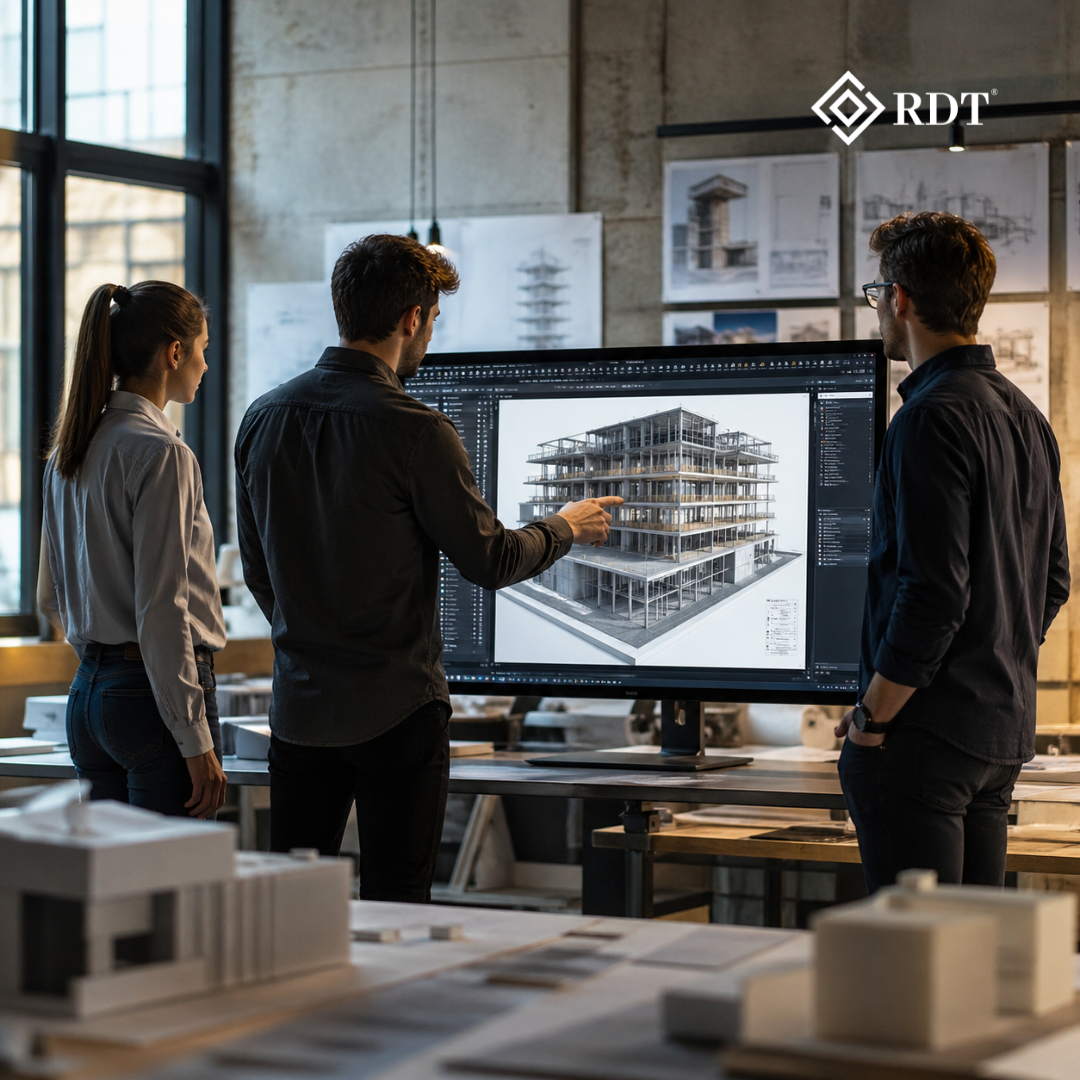
Autodesk Revit was not made just as an additional drafting tool—it was planned to transform how buildings are designed, prepared, coordinated, and implemented. Unlike traditional 2D approaches, Revit allows a single unified building model in which each component is brilliant, interrelated, and capable of upgrading throughout all views in real time.
This is where Revit 3D Modeling becomes crucial. Instead of creating disconnected drawings, Revit constructs a virtual environment where dimensions, materials, families, and geometry have meaning. Move a wall? The plan updates automatically. Modify a door family? Every instance changes. Adjust the slab thickness? All sections correct themselves immediately.
This combination of parametric modeling + BIM intelligence is what makes Revit the digital backbone of modern AEC projects.
2. The Power of Revit 3D Modeling: Why the Industry Can’t Ignore It
Industry adoption of Revit is not determined by trend—it’s driven by results. Depending solely on 2D drawings increases risk: asymmetrical plans, coordination mistakes, clashes on-site, postpones, cost overruns, and a lack of visibility are ordinary outcomes.
Revit solves these challenges by allowing a model-first progress.
Key advantages of Revit 3D Modeling include:
✔ Better Design Visualization
Teams and clients can “see” the project using accurate geometry, materials, furniture, lighting, and context. This isn’t a rough sketch; it’s a precise digital twin.
✔ Clash-Free Coordination
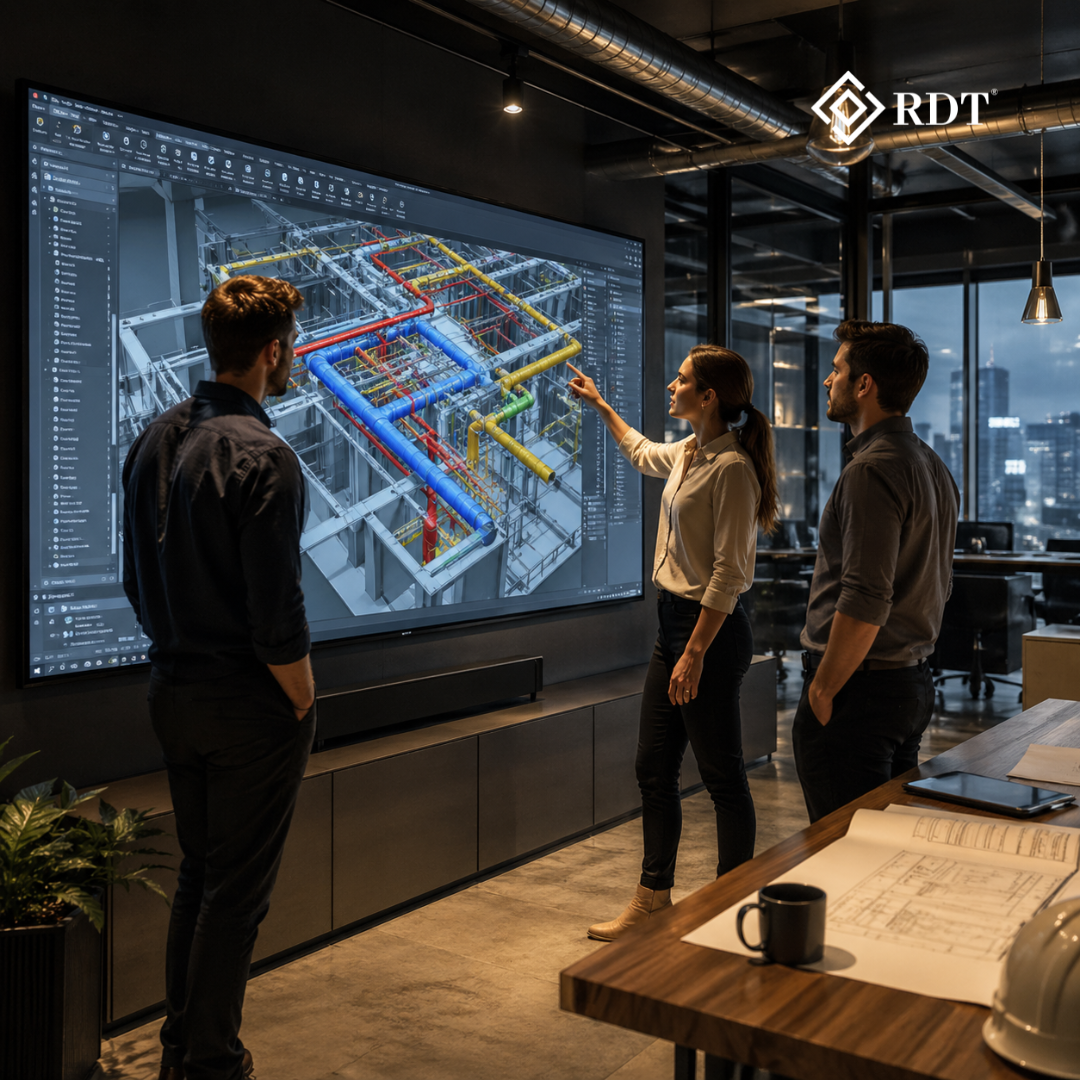
Structural walls cutting through ducts or beams intersecting plumbing lines become instantly visible. You detect issues in the model—not during construction.
✔ Quicker Decision-Making
When modifications can be imagined in seconds, investors make intelligent decisions with full transparency.
✔ Higher Documentation Precision
Segments, elevations, information, and sheets are auto generated from the model. Human mistakes are decreased to near zero.
✔ More Predictable Project Delivery
With lesser unknowns and superior teamwork, projects stay within budget & timelines.
In basic terms, Revit 3D Modeling substitutes guesswork with transparency.
3. Inside the Process: How Revit 3D Modeling Actually Happens
To figure out how Revit changes a project from a belief to a construction-ready model, we need to walk with the typical flow of work AEC squads follow.
Step 1: Setting Up Levels & Grids
Levels determine the vertical structure (floors), and grids determine the horizontal structure. Simultaneously, they determine the skeleton of the building.
Step 2: Building the Core Architectural Model
This contains walls, floors, roofs, stairs, windows, curtain walls, & common space preparation. The architectural model becomes the pictorial and operational backbone.
Step 3: Planning the Building (Structural Model)
Beams, columns, fundamentals, slabs, rebar, trusses—structural engineers combine load-bearing elements that engage with the architectural shell.
Step 4: Summing MEP Systems
HVAC conduits, plumbing lines, electrical circuits, sprinkler systems, panels, & fittings are placed with accurate geometry and brilliant parameters.
Step 5: Family Evolution
Custom elements (furniture, façade panels, mechanical equipment, lighting fittings, casework, etc.) are made by utilizing parametric Revit families.
Family creation is one of the most vigorous facets of Revit 3D Modeling because it guarantees repeatability, uniformity, & automation.
Step 6: Teamwork And Clash Identification
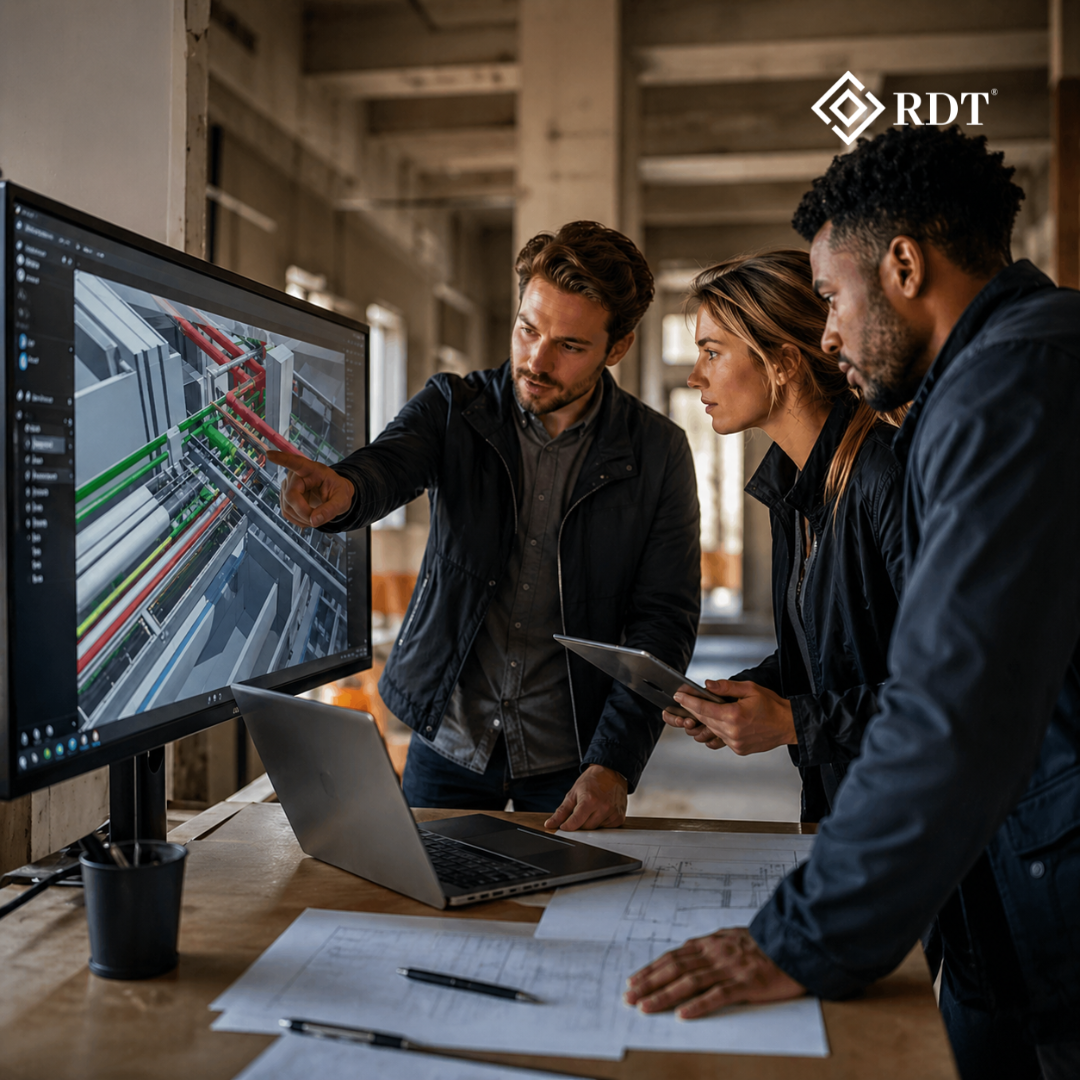
Using Revit or Navisworks, all disciplines are federated into a single environment. Clashes are identified, resolved, and documented.
This is where the magic happens—problems that would cost millions on-site are addressed digitally before construction begins.
Step 7: Documentation & Sheet Set Creation
Once the model is validated, Revit generates:
- Plans
- Elevations
- Sections
- Schedules
- Details
- 3D Views
- Sheets
All directly linked to the model—zero duplication, zero manual errors.
4. Real-World Applications: Where Revit 3D Modeling Delivers Maximum Value
Revit isn’t just used for drawings. It supports an entire ecosystem of AEC operations.
✔ Architectural Concept → Detailed Design
Turning early massing studies into fully annotated construction-ready documentation.
✔ High-Precision Quantity Take-Offs (BOQs)
Extracting steel, concrete volume, MEP lengths, door/window counts, and finishes—instantly.
✔ Construction Sequencing & Site Planning
When combined with 4D tools, Revit supports phasing, scheduling, and workflow simulations.
✔ MEP Routing Optimization
Avoiding clashes, optimizing duct sizes, and balancing system performance.
✔ Facility Management
Owners use Revit models post-construction for asset tracking and maintenance.
✔ Visualization & VR
3D model export to visualization engines for photorealistic renders, VR walkthroughs, & clientele demonstrations.
Revit 3D Modeling helps each level—from plan to construction to activities.
5. Why Modern AEC Teams Need Revit Skills—Now More Than Ever
The AEC sector is moving toward digital delivery quicker than predictable. Government mandates, universal standards (ISO 19650), and clientele hopes are pushing BIM and model-first approaches to the forefront.
Teams that adopt Revit enjoy:
- Higher bid win rates
- Leaner staffing
- Faster turnaround time
- Reduced errors
- Higher client trust
Teams that avoid Revit face:
- Duplicate work
- Coordination failures
- Inconsistent drawings
- Delays & budget overruns
The future is already here. Teams must evolve.
6. Your Smarter Sunday Summary
If you have read this far, you have previously outsmarted your last-week self. Let’s conclude with the crucial takeaway:
Revit 3D Modeling is not just a software skill—it’s an AEC survival skill.
It changes the way buildings are planned, harmonized, documented, and constructed. It enables architects with transparency, engineers with accuracy, contractors with trustworthiness, and owners with clarity. From conceptual plan to complete project lifespan administration, Revit creates a connected environment where the complete squad builds smarter—not harder.
And with the sector moving quickly toward BIM mandates and digital construction, investing time in understanding and implementing Revit 3D Modeling today guarantees you stay competitive tomorrow.
Sum up — Let RDT Technology Help You Build Smarter
If you’re looking to implement BIM, outsource Revit modeling, scale your documentation output, or improve project coordination quality, RDT Technology is your trusted partner. We deliver high-accuracy BIM, Revit 3D Modeling, visualization, and end-to-end coordination services for AEC teams worldwide.
👉 Book a meeting with RDT Technology today
Let’s build the future—precisely, efficiently, and intelligently.