If you have worked in architecture, engineering or construction for any length of time, you have probably encountered a rendering error at the worst possible moment. Everything is ready. The model has been reviewed. The client presentation is scheduled. Then the software displays a message that offers no real explanation. Rendering failure Unknown Error.
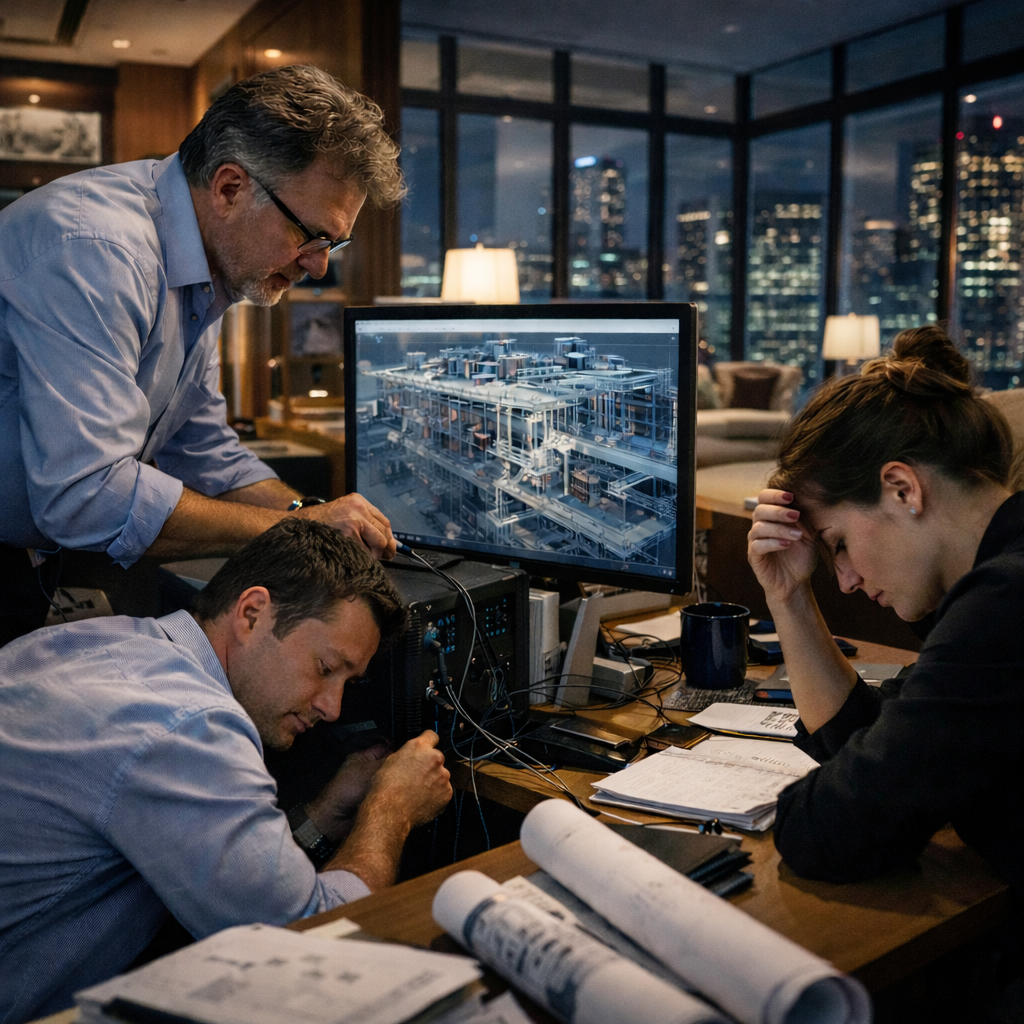
This type of message can be surprisingly disruptive. It interrupts momentum, creates stress and often leads to wasted hours trying to guess what went wrong. Unlike a clear warning about missing textures or unsupported settings, this error gives no direction. It simply stops the process and leaves teams searching for answers.
Rendering today is not a cosmetic step. It plays a critical role in how projects are understood, approved and delivered. A rendered view can help a client visualize a space, allow engineers to review coordination issues, and support internal decision making. When rendering fails, the workflow breaks down, communication becomes harder and deadlines start to feel tighter.
This article explores what this error usually means, why it happens so often in modern BIM driven environments, and how AEC teams can reduce its impact through better workflows, technology choices and project discipline.
Understanding What Rendering Failure Unknown Error Really Means
The phrase Rendering failure Unknown Error is a broad system response. It does not refer to a single technical fault. Instead, it is a generic message that appears when the rendering engine encounters a situation it cannot resolve or classify.
This can happen in many types of software, including BIM authoring tools, visualization platforms, building energy modeling environments and coordination software. The underlying issue might be related to hardware limitations, conflicting software components, corrupted data, overly complex models or even temporary system instability.
Because the error does not identify a specific cause, troubleshooting requires patience and a structured approach. Guesswork rarely leads to quick solutions. Teams that rely on structured workflows tend to recover much faster than those who react on the fly.
Why Rendering Has Become Essential in AEC Workflows
Rendering used to be considered a final presentation step, mainly for marketing or client visuals. That has changed. Today, rendering is embedded throughout the design and delivery process.
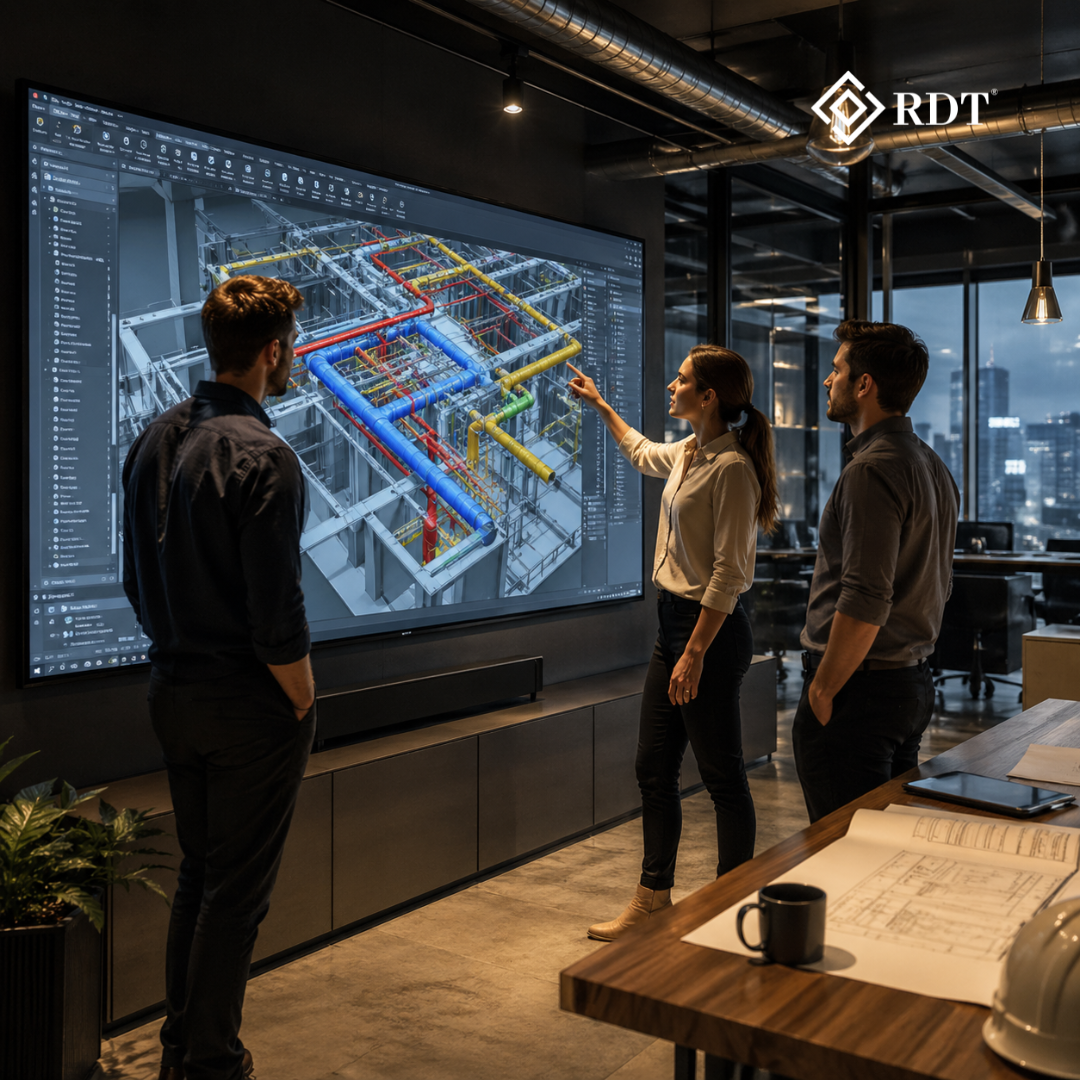
Architects use rendered views to test spatial layouts and lighting conditions. Engineers review coordinated models through visual outputs to detect clashes and inconsistencies. Project managers use visuals to explain design intent to non technical stakeholders. Clients rely on renderings to understand how a building will look and feel long before construction begins.
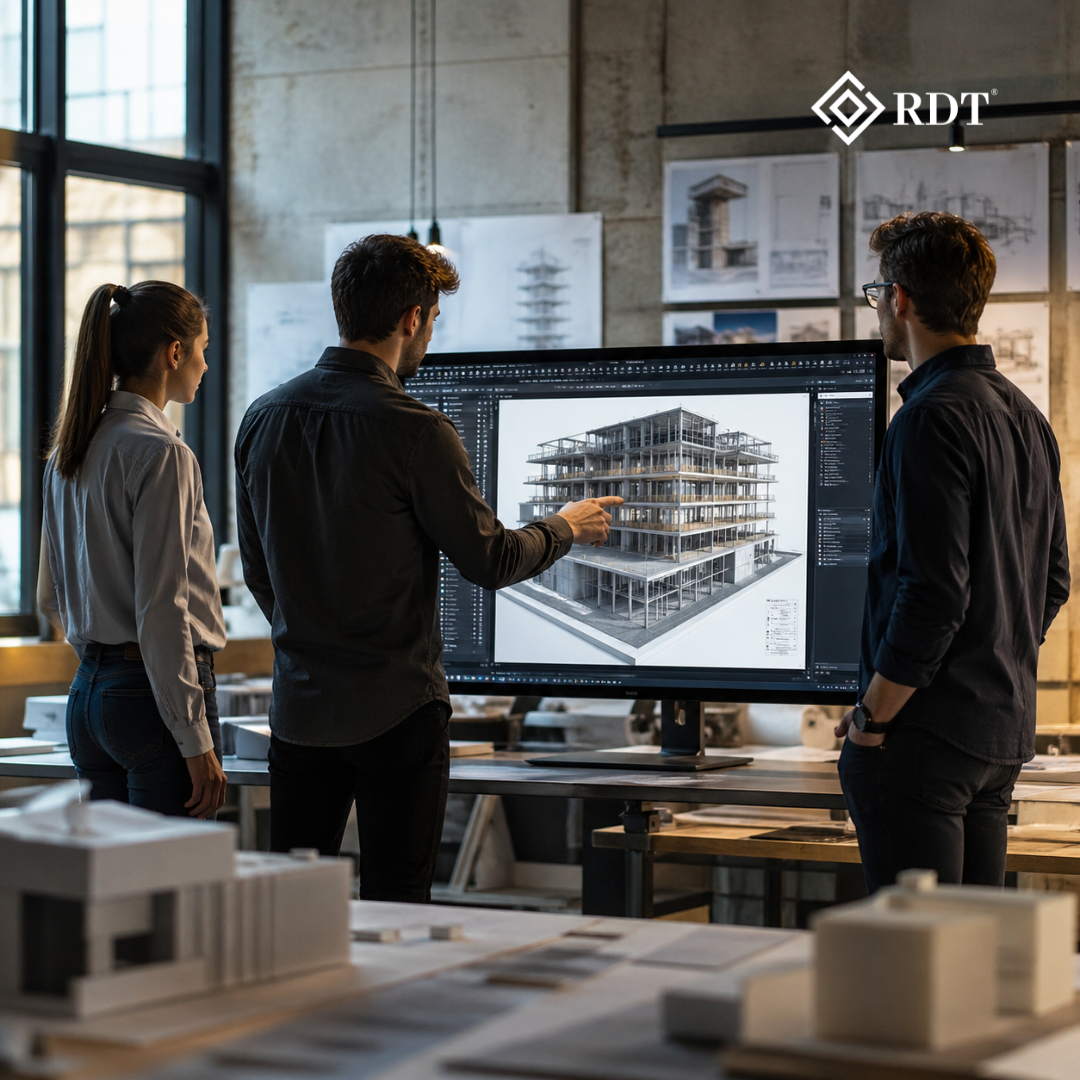
In BIM based workflows, rendering also serves as a quality check. It reveals missing components, alignment issues and coordination gaps that might not be obvious in drawings. When rendering works smoothly, it strengthens communication across the project team. When it fails, misunderstandings and delays become more likely.
Organizations like RDT support AEC firms by combining BIM, documentation and visualization services into integrated workflows. This approach ensures that models are technically accurate and visually reliable. When rendering errors appear, they often expose deeper workflow or data management issues that require attention.
Common Reasons Rendering Fails in AEC Projects
Rendering failures rarely happen for a single simple reason. In most cases, several factors combine to create instability.
One common issue is model complexity. Modern BIM models are rich in geometry and data. They include detailed components, parameters, material definitions, lighting setups and linked files from multiple disciplines. While this information is valuable, it can overwhelm rendering engines, especially when models are not optimized. Large polygon counts, deeply nested families and heavy imported files can push software beyond its limits.
Hardware limitations are another major factor. Rendering is demanding on both CPU and GPU resources. If a workstation lacks sufficient memory, uses an outdated graphics card or has limited VRAM, rendering tasks may fail or crash. Storage speed also matters, particularly when working with large textures and linked models.
Software compatibility can also create instability. Rendering engines depend on a combination of core software, plugins, drivers and operating systems. When these components are not aligned, conflicts can occur. Even routine updates can introduce bugs if they are not tested in controlled environments before deployment.
Data integrity issues can also trigger rendering errors. Corrupted files, missing textures, broken links and damaged model components can disrupt the rendering process. In collaborative environments, simultaneous edits or improper file transfers can increase the risk of corruption.
Lighting and material settings can also contribute to failures. Complex lighting setups, unsupported material properties and custom shaders can push rendering engines beyond stable configurations. Realistic reflections, global illumination and high resolution textures require careful management to avoid crashes.
Cloud and network based rendering introduces additional challenges. Network interruptions, permission issues and server limitations can cause rendering jobs to fail, particularly when working with large datasets or distributed teams.
General Questions AEC Teams Often Ask
One of the most common questions is what to do immediately after a rendering failure. The simplest step is to save the project and restart the software. This clears temporary memory and resets internal processes. If the issue persists, rendering a simplified view or isolating a small portion of the model can help determine whether the problem is model specific or system related.
Teams also ask how to identify the root cause. A structured diagnostic process is essential. Monitoring system resource usage, updating graphics drivers, reviewing software logs and validating model integrity are important steps. Disabling plugins and testing default settings can help isolate conflicts. Breaking the model into smaller sections can reveal problematic elements that disrupt rendering.
Another frequent question is whether model optimization is truly necessary. In practice, optimization is essential. Removing unnecessary details, simplifying geometry, purging unused elements and managing linked files can significantly improve performance and stability. Structured BIM practices that balance detail and efficiency are key to reliable visualization.
Many firms wonder whether dedicated documentation and visualization teams can reduce rendering risks. The answer is yes. Specialized teams can standardize materials, lighting templates and naming conventions. They can also prepare models specifically for visualization, ensuring that performance and design intent are both preserved.
BIM integration also plays a crucial role. When architectural, structural and MEP models are coordinated and follow consistent standards, conflicts that disrupt rendering are minimized. Integrated workflows help bridge gaps between disciplines and reduce technical friction.
Practical Ways to Reduce Rendering Failures
Adopting structured BIM standards is one of the most effective strategies. Standard templates, naming conventions and modeling guidelines create consistency across teams and projects. This reduces unexpected conflicts and improves model stability.
Investing in appropriate hardware is equally important. As projects become more complex, workstations must evolve. High performance GPUs, sufficient RAM and fast storage can dramatically reduce rendering failures and improve productivity.
Maintaining software and drivers is another key practice. Regular updates improve compatibility and security, but they should be tested before full deployment. Controlled testing environments prevent unexpected disruptions during critical project phases.
Using visualization specific models is another effective approach. Creating a dedicated visualization model or view isolates heavy geometry from the core BIM file. This ensures smoother rendering without compromising the integrity of the design database.
Automation and AI powered tools are also transforming AEC workflows. RDT Tech has developed proprietary RDT MEP+ software to improve accuracy, coordination and efficiency. Automation tools can validate models, detect inconsistencies and optimize workflows before rendering begins, reducing errors and improving turnaround times.
Quality control and risk mitigation processes should be part of every project. Validation checkpoints, version control systems and backup protocols help prevent disruptions caused by data corruption or workflow errors.
The Importance of Collaboration
Rendering failures often reflect broader collaboration challenges. Poor coordination between disciplines can introduce conflicting elements that disrupt visualization. Structured communication and collaborative platforms help ensure that models remain consistent and aligned.
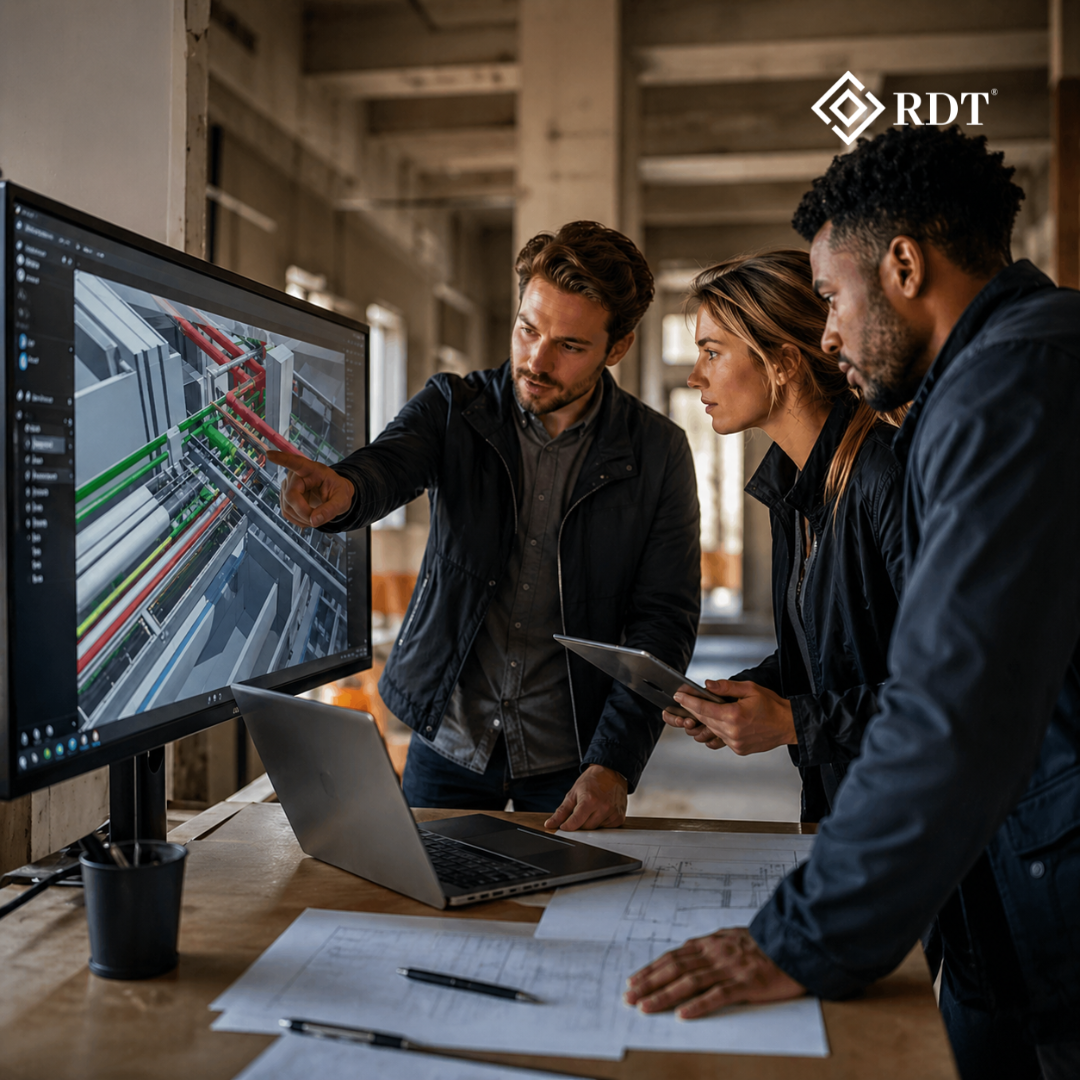
RDT emphasizes collaboration and project coordination by aligning architects, engineers and draftsmen through integrated BIM, documentation and visualization workflows. When teams work from coordinated models, rendering becomes a reliable step rather than a risky one.
How Rendering Errors Affect Project Outcomes
Rendering errors are not just technical inconveniences. They have real business consequences. Delayed visuals can postpone approvals, disrupt client presentations and slow down marketing activities. They can also create misalignment between stakeholders who rely on visuals to understand design intent.
In competitive AEC environments, firms that manage rendering workflows efficiently gain a clear advantage. Faster visualization turnaround, fewer errors and better coordination translate into reduced rework and optimized project costs.
Looking Ahead at Rendering and Visualization
The AEC industry is moving toward real time rendering, digital twins and immersive visualization technologies. These tools offer powerful capabilities, but they also require robust models, strong hardware and integrated software ecosystems.
As complexity increases, proactive error prevention becomes even more important. AI powered validation, automation and integrated BIM platforms will continue to reduce rendering failures and enhance lifecycle management. Companies like RDT are investing in advanced technologies to improve accuracy, collaboration and efficiency across global projects.
Conclusion
Rendering failure Unknown Error is a familiar challenge for many AEC teams, but it does not have to remain a persistent obstacle. The underlying causes usually relate to model complexity, hardware constraints, software conflicts or data integrity issues. With structured BIM practices, appropriate technology investments and disciplined workflows, these disruptions can be significantly reduced.
RDT supports global AEC enterprises with BIM, documentation, visualization and engineering services that optimize costs and improve coordination. Through advanced solutions like RDT MEP+ and a skilled team of architects, engineers and draftsmen, RDT helps organizations bridge the gap between current workflows and future possibilities.
By refining processes, strengthening collaboration and embracing modern technology, firms can transform rendering from a potential bottleneck into a strategic advantage. When managed effectively, rendering enhances design quality, accelerates project delivery and strengthens stakeholder confidence across the entire project lifecycle.